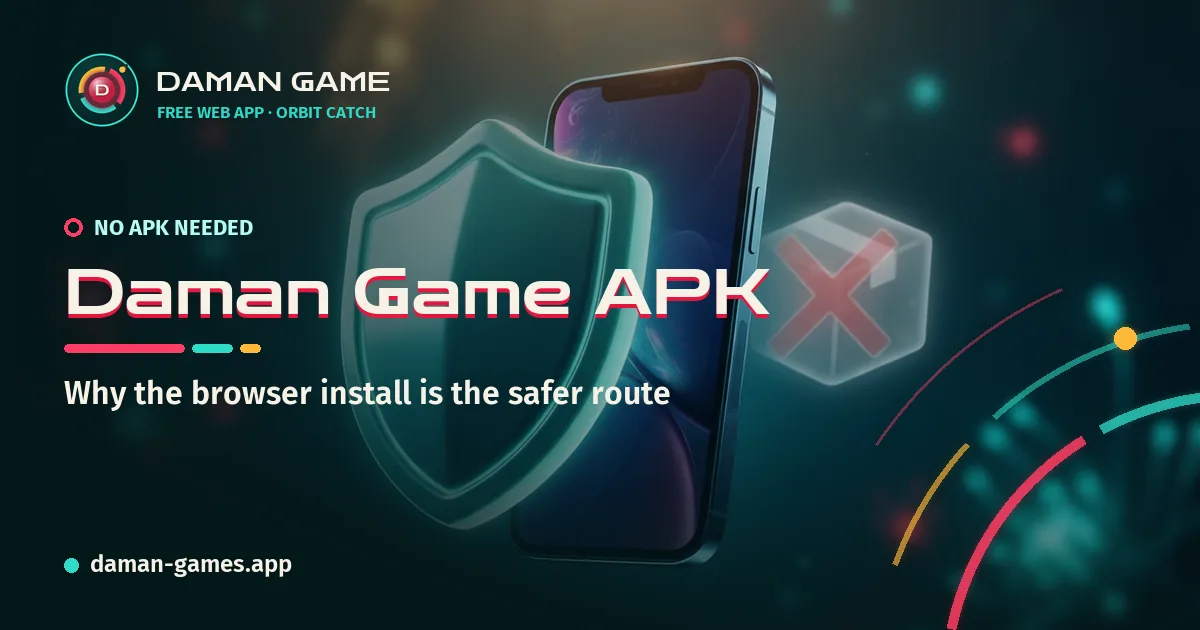
If someone has handed you a Daman Game APK, the safest answer is not to install it. The Daman Game app on daman-games.app is installed straight from your browser and has no APK file of any kind, so a file carrying the name did not come from us and cannot be checked by us. This guide shows the warning signs that give a fake file away, before it ever reaches your home screen, and what to do if one already has.
Everything here works for any APK, not only one with our name on it. It is the same short checklist that our APK questions page starts, taken a few steps further.
Why unknown APK files are risky
An APK is an Android install package. When it comes from a store, the store has looked at it, signed it into its system and can pull it later if something goes wrong. When it comes from a chat, a comment or a short link, none of that has happened. You are trusting whoever made the file and everyone who passed it along.
To install it, Android also asks you to allow installs from an unknown source for the app that downloaded it, often your browser or a messaging app. That setting stays on after the install, which means the next file sent to you in the same app has an easier path in. A fake game rarely needs to be clever. It only needs you to tap through the screens that were designed to stop it.
Permission requests that should worry you
A small arcade game needs very little from your phone. It wants to draw on the screen, play sound and, at most, save a little data. When a file asks for more, the request itself is the warning. Stop and back out if a so-called game asks to:
- read or send SMS messages, which is how one-time codes are stolen;
- read your contacts, call logs or the list of other apps on the phone;
- display over other apps, a power used to place fake screens on top of real ones;
- use accessibility services, which can read what is on screen and tap on your behalf;
- become a device admin, which makes the app hard to remove;
- install other apps or updates from outside a store.
None of these are needed to move a ring and catch falling orbs. A request for an OTP, a banking app or a payment before you can play is an even plainer signal. No game needs any of them.
File names and sizes that do not add up
Fake files often fail a simple look before you even open them. In your Downloads folder or the chat preview, check the details:
- Odd names. Extra words such as "mod", "pro", "unlocked" or a version number that means nothing, or a popular title with one letter changed.
- Hidden or doubled endings. A file that looks like a picture or a document but ends in
.apk, or one with two endings in a row. Turn on full file names in your file manager to see the real one. - A size that does not fit the story. A full game in a file barely larger than a photo is usually a small downloader that fetches something else later. A file far larger than the game it claims to be may carry extra apps inside.
- A rushed message around it. "Install before tonight", "only for this group" or "new version, old one stops working" are pressure lines, not release notes.
For this app, the check is shorter still: there is no file to compare, because no genuine file exists.
The browser shortcut as a safer option
The Daman Game app is a web app. You open the site in Chrome, Edge, Samsung Internet, Firefox or Safari and use the browser's Install app or Add to Home screen option. The browser places the icon, and the browser keeps the limits in place.
- It cannot read your SMS, contacts or files, and it cannot install anything else.
- You never switch on unknown-app installs, so that phone-wide setting stays closed.
- It updates itself from the same address, so nobody can send you a "new version" to install by hand.
- Removing it is the same as removing any icon, and its saved data goes with it.
Once it is on your home screen, the Daman Game Orbit Catch guide explains the ring, the colour gates and the combos, so your first runs count.
What to do after a bad install
If a file is already installed and something feels wrong, act in this order:
- Switch on airplane mode so the app cannot send anything while you work.
- Open Settings, then Apps, find the app and uninstall it. If the uninstall button is greyed out, look in the security settings for device admin apps, remove its admin rights first, then uninstall.
- Switch off unknown-app installs for the browser or chat app that downloaded the file.
- Run a Play Protect scan and delete the original file from your Downloads folder.
- If you typed a password, PIN or OTP while the app was installed, change that password from a safe device and tell the service it belongs to. If money left an account, contact your bank straight away.
Then install the real app from your browser. It takes two taps, asks for nothing and leaves your phone's safety settings exactly as they were.